
BatchWizard — running a campaign
BatchWizard groups work orders into a batch work order and runs them as a sequenced campaign, so a production run that spans a dozen orders is planned and executed as one unit.
Batch work orders
The module opens on the batch work orders available at this work center, each showing how many work orders it contains. Opening one lists its members with their sequence number, planned and completed quantities, accumulated time and status.
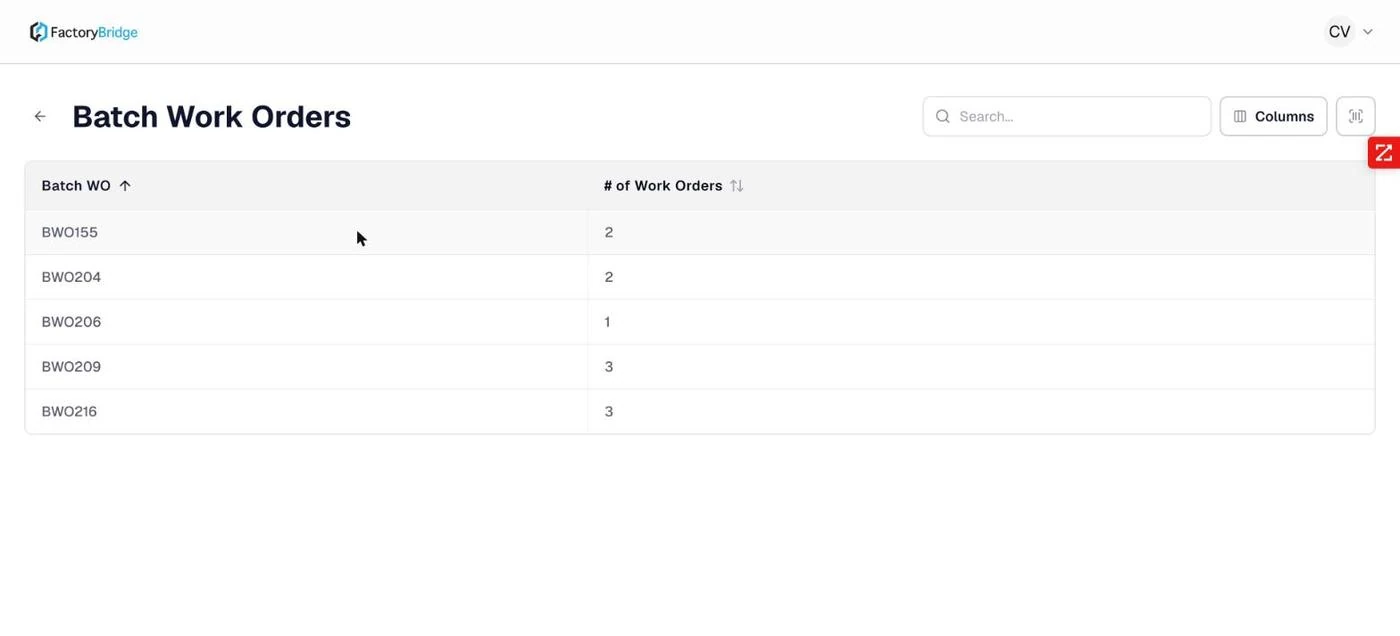
Batch Work Orders. Each batch with its work order count.
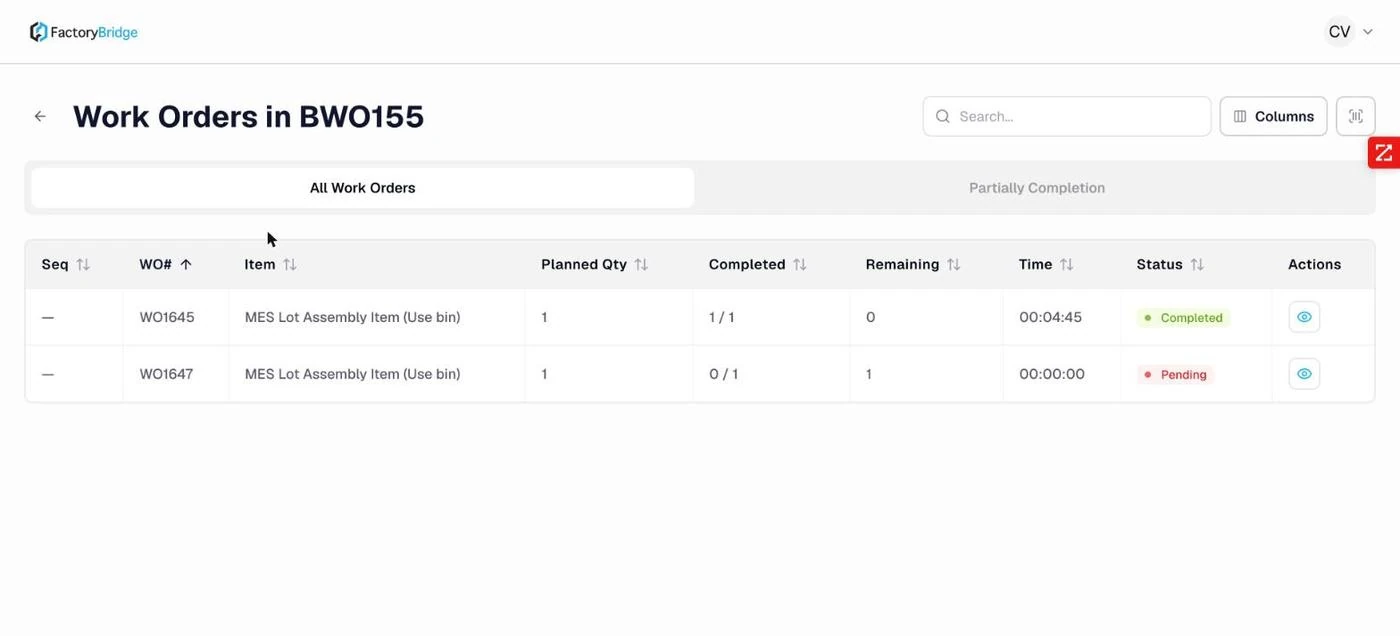
Inside a batch. Sequence, work order, item, planned, completed, remaining, time and status.
From here the execution screen is identical to the one reached through Work Orders — the same two timed phases, the same coded pauses, the same completion dialog. What BatchWizard adds is the campaign grouping and the sequence.
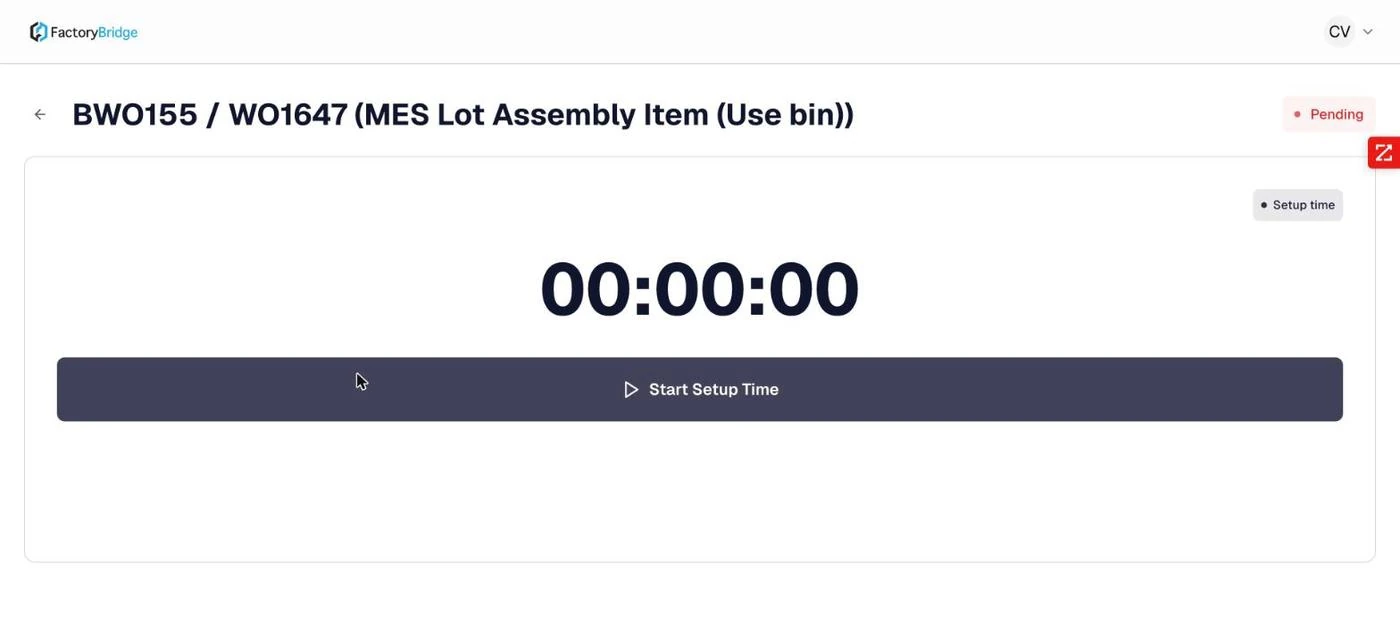
Execution inside a batch. The header carries both identifiers — batch and work order — so the operator can see which campaign they are running.
Sequence
Sequence numbers express the intended order of a campaign — grouping similar items so the line changes over as little as possible. On the documented tenant sequences were not contiguous (1, 2, 4), so the number expresses order rather than position.
Time is tracked per completion
Each completion inside a batch carries its own setup, run and total time. A batch that produced two completions has two independent time records, not an aggregate.
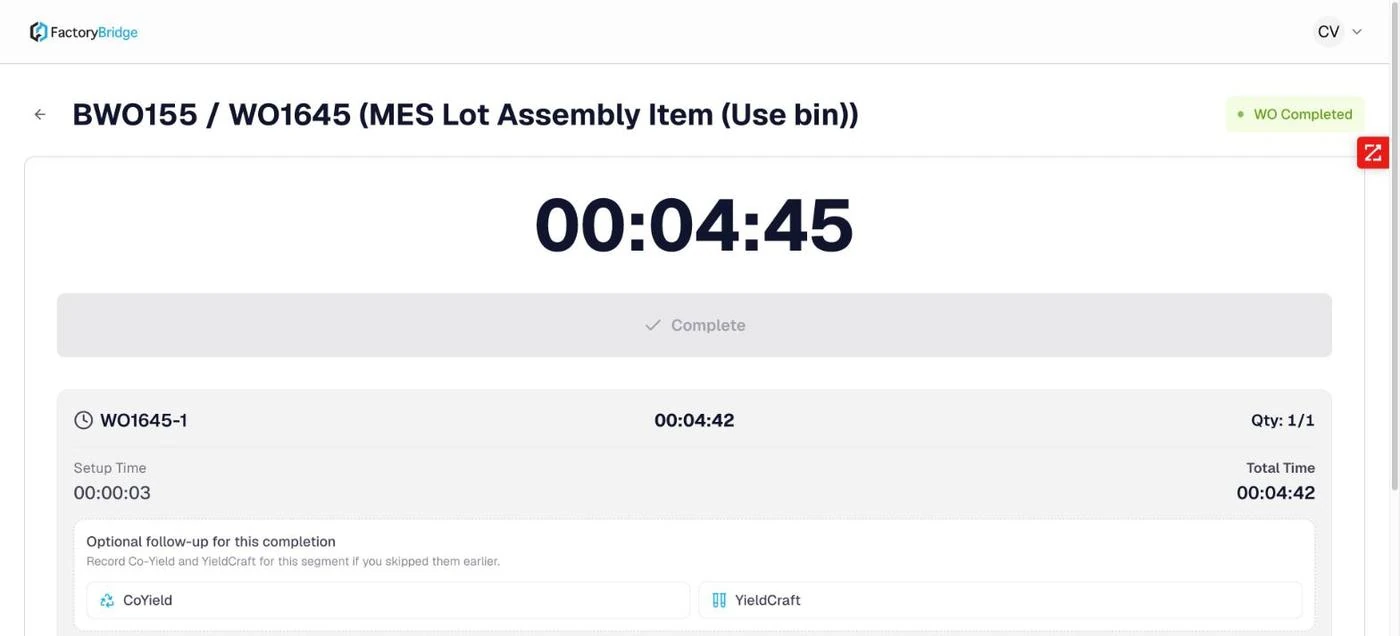
Completion inside a batch. Setup, run and total time for that completion, with co-yield and yield variance available as follow-ups.
Frequently asked questions
Does a batch have to be run in sequence order?
The sequence is displayed and sortable, and it expresses the planned order. Routing enforcement operates per work order rather than across the batch, so the sequence is planning guidance rather than a hard gate.
Can a batch be partially completed?
Yes. Each member work order completes independently, and each can itself be partially completed. A batch in progress will commonly show a mix of Completed, Partially Built and Pending members.
Where do batch work orders come from?
They originate in NetSuite — typically from ProShop's BatchWizard module, which creates formula-based work orders in bulk. FactoryBridge reads and executes them; it does not create them.
Frequently Asked Questions
How is this different from the ProShop BatchWizard?
ProShop creates the campaign — the batch work orders themselves, from formula masters. FactoryBridge executes it on the floor, recording time, material and completions against those work orders.
Does campaign order get enforced?
The campaign sequence is what the console presents to the operator, so work is picked up in the order planning intended rather than whatever is nearest.